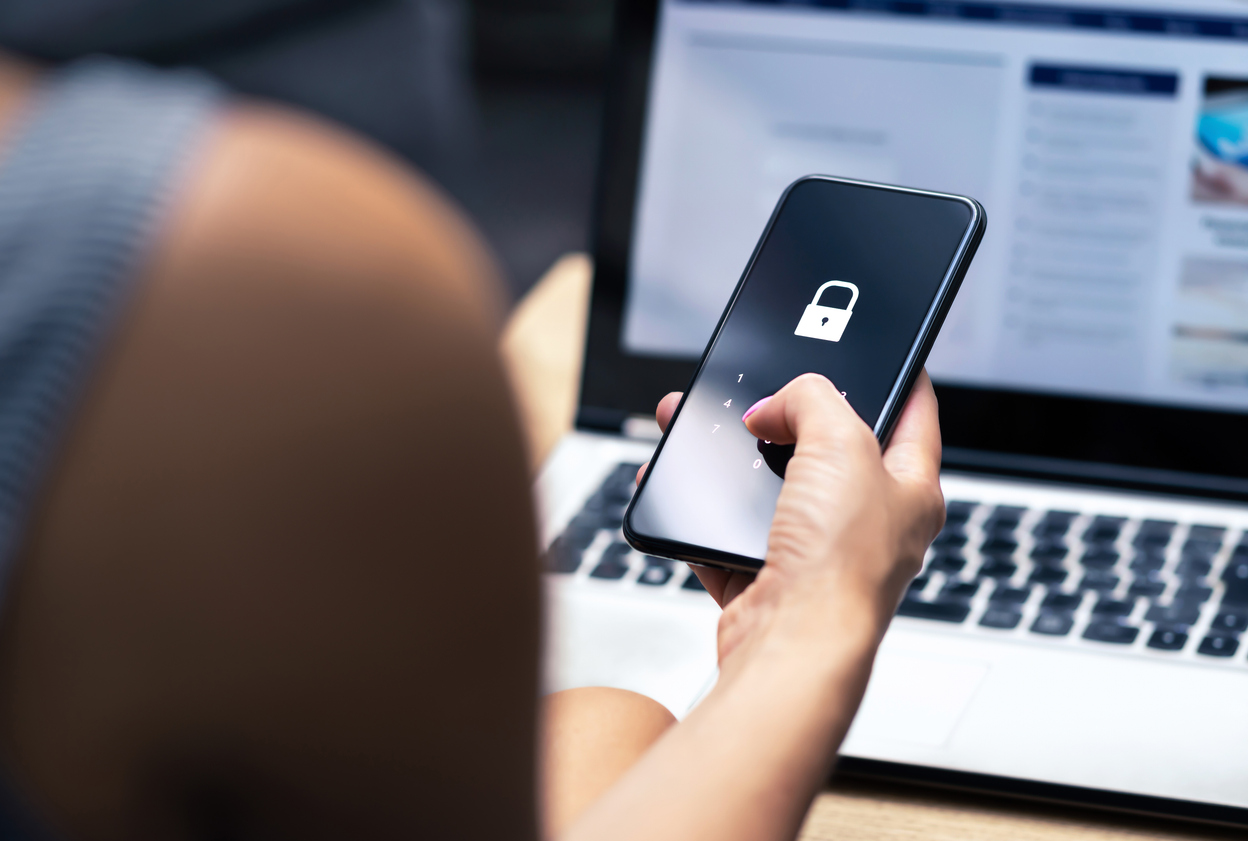


A few simple tips could save your personal data
Losing a phone is stressful enough without wondering what it can expose about you or your business. Here’s what’s changed since we first covered this, and what still applies.
The risk hasn’t gone away
Lost and stolen phones remain a major exposure point. London alone saw over a million phones stolen in a single year, and only around 48% of smartphone owners have “Find My Device” or equivalent tracking actually switched on.
Closer to home, the story is getting worse, not better: the OAIC recorded 1,205 data breach notifications across Australia in 2025, an 8% rise on 2024 and the highest figure since mandatory breach reporting began in 2018 (OAIC). A lost work phone with email, cloud storage, or business apps logged in is exactly the kind of incident that can turn into one of these notifications.
Few things invoke instant panic like a missing mobile device such as a smartphone or laptop. These devices hold a good part of our lives. This includes files, personal financials, apps, passwords, pictures, videos, and so much more.
The information they hold is more personal than even that which is in your wallet. It’s because of all your digital footprints. This makes a lost or stolen device a cause for alarm.
It’s often not the device that is the biggest concern. It’s the data on the device and access the device has to cloud accounts and websites. The thought of that being in the hands of a criminal is quite scary.
What Types of Information Does Your Device Hold?
When a criminal gets their hands on a smartphone, tablet, or laptop, they have access to a treasure trove. This includes:
- Documents
- Photos & videos
- Access to any logged-in app accounts on the device
- Passwords stored in a browser
- Cloud storage access through a syncing account
- Emails
- Text messages
- Multi-factor authentication prompts that come via SMS
- And more
Steps to Take Immediately After Missing Your Mobile Device
As we mentioned, time is of the essence when it comes to a lost mobile device. The faster you act, the more risk you mitigate for a breach of personal or business information. Here are steps you should take immediately after the device is missing.
- Lock the device remotely using Find My iPhone, Find My Device (Android), or your MDM platform if your company issues one.
- Use location tracking cautiously — fine for pinning down a misplaced phone in the office, but don’t chase a thief yourself; involve police instead.
- Wipe the device remotely once you’ve confirmed it’s genuinely lost, not just misplaced.
- Log out of SaaS platforms (Microsoft 365, Salesforce, Trello, and similar) from their web consoles, and revoke that device’s authorisation in your account security settings.
- Disconnect cloud storage sync so a compromised device can’t be used to delete files or upload malware into synced folders.
- Notify your employer immediately if the device had access to work email, files, or systems — the faster IT can revoke network access, the smaller the exposure window.

Log Out & Revoke Access to SaaS Tools
Most mobile devices have persistent logins to SaaS tools. SaaS stands for Software as a Service. These are accounts like Microsoft 365, Trello, Salesforce, etc.
Use another device to log into your account through a web application. Then go to the authorized device area of your account settings. Locate the device that’s missing, and log it out of the service. Then, revoke access, if this is an option.
This disconnects the device from your account so the thief can’t gain access.
Log Out & Revoke Access to Cloud Storage
It’s very important to include cloud storage applications when you revoke access. Is your missing device syncing with a cloud storage platform? If so, the criminal can exploit that connection.
They could upload a malware file that infects the entire storage system. They could also reset your device to resell it, and in the process delete files from cloud storage.
SMS codes are gone …
That’s now being addressed at the platform level rather than left to the user. Microsoft has set a firm timeline: passkeys became the default sign-in method from 1 September 2026, and Microsoft-provided SMS/voice authentication stops working entirely from 1 February 2027 (Teal Tech). Google and Apple have been pushing the same direction for a while now.
This is genuinely good news for lost-device risk: a passkey is tied to the device and unlocked by your fingerprint, face, or PIN, so a thief holding your phone still can’t use it to get into your accounts the way they could with an intercepted SMS code or a SIM swap. The catch is the flip side — if passkeys aren’t synced to a password manager or backed up to another device, losing your phone can lock you out too. Worth checking now, before it’s forced on you, that your passkeys are backed up somewhere recoverable and that you’re not relying on SMS codes as your only second factor.
For businesses: this is an MDM conversation
If staff use personal or company phones for work email and apps, the OAIC numbers above are the argument for formal mobile device management rather than ad hoc “hope IT can help” recovery. A proper MDM/zero-trust setup means remote wipe, access revocation, and encryption enforcement are already configured before a device goes missing — not scrambled together after the fact while a stolen phone sits unlocked with your inbox open.
Need Mobile Device Security Solutions?
No matter what size company you have, mobile device management is vital. Contact us to learn more about our endpoint security solutions.